



Supplemental Instruction
Enroll in a Supplemental Instruction Course
You can register for an SI section through MyCSULB.
In order to take an SI class, you must be enrolled in the course section that offers supplemental instruction. Look up the class for which you want assistance in the CSULB Schedule of Classes. The "COMMENT" section will state whether an SI course is available. If an SI class isn't an option, tutoring or an Academic Coach may be available.

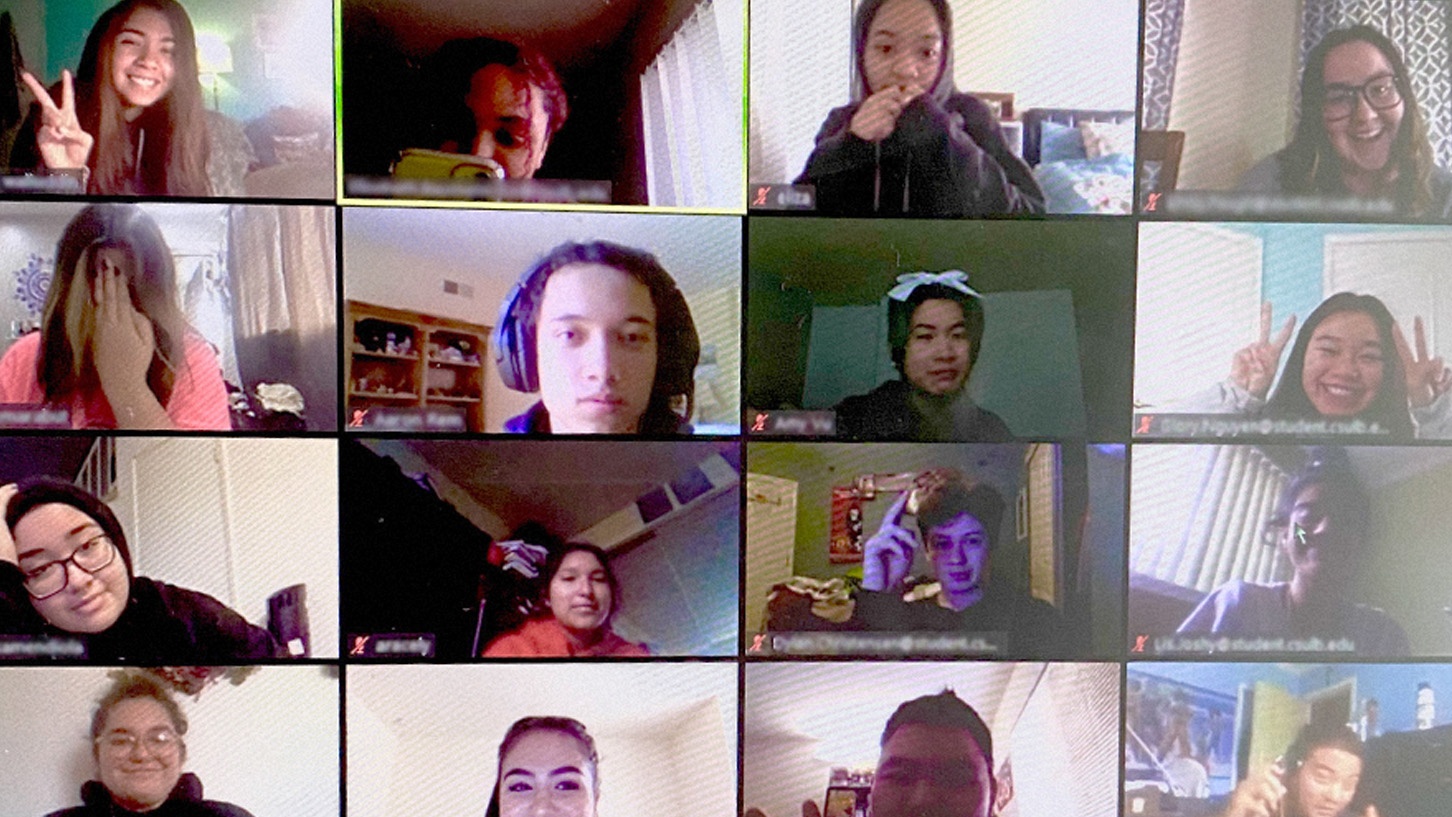
Supplemental Instruction (SI) is a support service offered by the university in the form of a one-unit, credit/no-credit course. Each SI section is attached to a specific course ("target" course). SI Leaders attend lectures with the students and then lead two or three weekly sessions in which they facilitate a variety of hands-on learning activities to foster a deeper understanding of the course material. The purpose of SI is twofold: we want to help students master course content while also encouraging them to reflect on their evolution as a life-long learner - all with an eye toward helping students achieve their fullest potential at CSULB and in the future.
Trouble Registering?
If you are experiencing problems, please contact TLC at TLC-SI@csulb.edu.
Check out the Supplemental Instruction Frequently Asked Questions (FAQ) for more help.
For more infomation about adding academic support services to your class or silibi.
Please visit our Faculty Information page.
