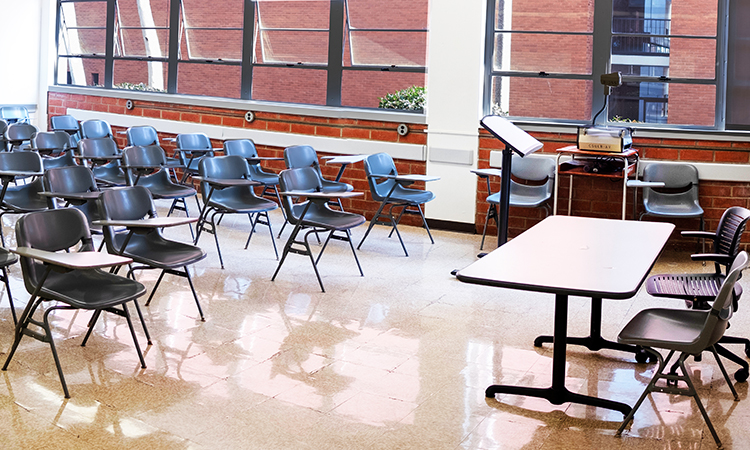
Smart Panel
Laptop Operation
- Connect one end of male to male VGA cable to monitor
out on the laptop and the other end to VGA input on the Smart Panel.
- On The Smart Panel, press projector ON and select
Laptop by pressing button under laptop label.
- If audio from laptop is needed, connect audio cable
from audio out on laptop to audio jack on laptop module on the Smart
Panel.
- Turn on laptop.
- If no image is shown on the projection screen, you
will need to enable external video on your laptop as follow
For PC laptops, press function (Fn)
key simultaneously with the LCD/CRT key. (more
information)
For Macintosh notebooks, turn on simulscan or mirroring in the monitor
control panel.
DVD Operation
- On the Smart Panel, press projector ON and select DVD
by pressing the button under the DVD label.
- Turn on amplifier and set master volume
to #4.
- Insert DVD and pres play.
- Adjust DVD volume on amplifier to desired level.
VCR Operation
- On the Smart Panel, press projector ON and select VHS
by pressing the button under the VHS label.
- Turn on amplifier
- Set the master volume and smart
panel volume to #4.
- Insert tape and pres play.
- Adjust volume on Smart Panel to desired level.
Auxiliary Audio-Video Operation
- Connect the ends of appropriate audio and video cables
to the outputs of the auxiliary unit.
Connect the other ends to the Auxiliary input on the Smart Panel.
- Turn on amplifier
- Set the master volume and smart
panel volume to #4.
- On the Smart Panel, press projector ON and select
Auxiliary Video by pressing button under Auxliary Video label.
- Press play on the auxiliary unit.
- Adjust volume on Smart Panel to desired level.